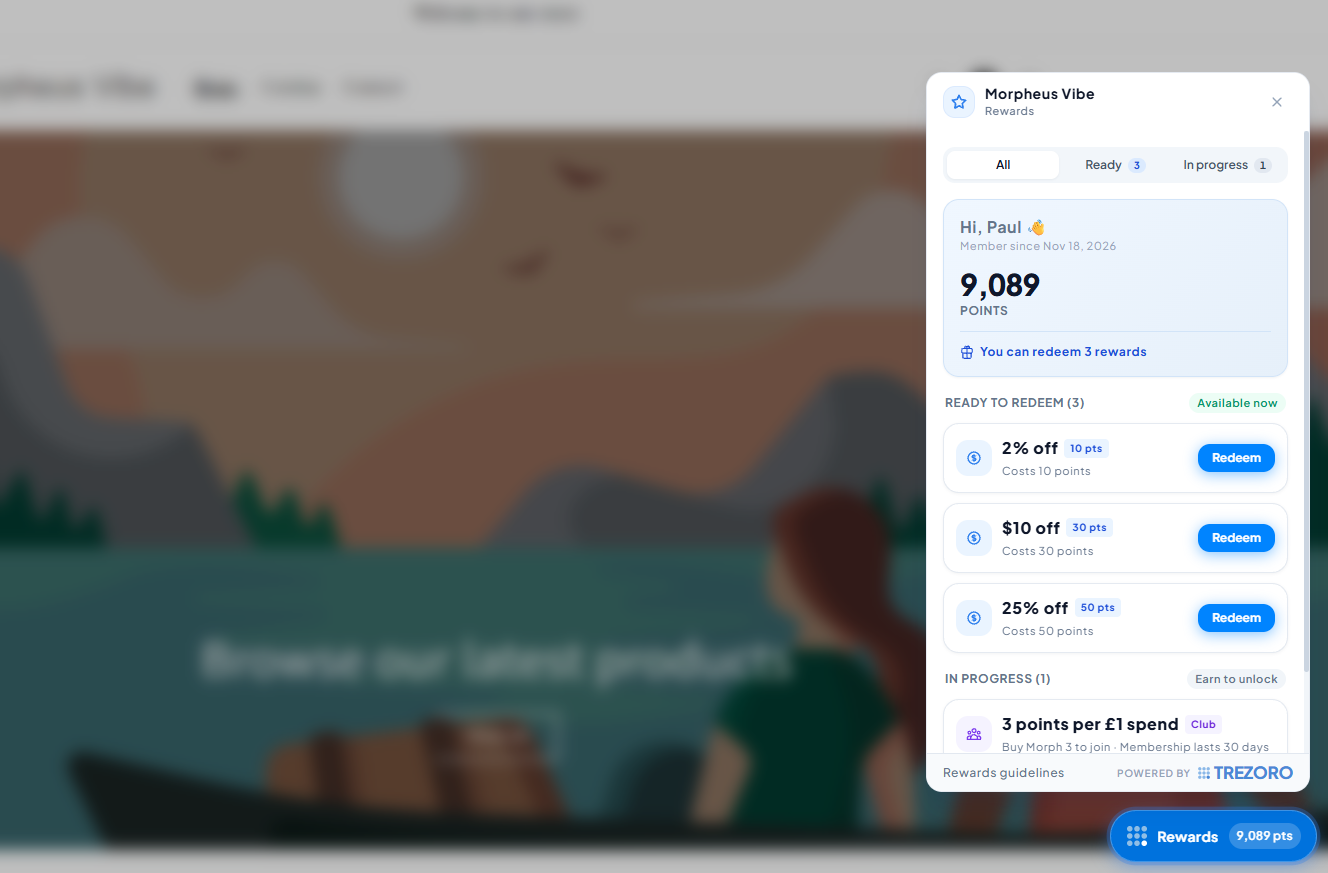
1. Install the Trezoro App on Shopify. Don't forget to enable all app embeds for Trezoro. To do this, go to your Themes settings and click Customize. Under App Embeds, go ahead and enable everything for Trezoro.
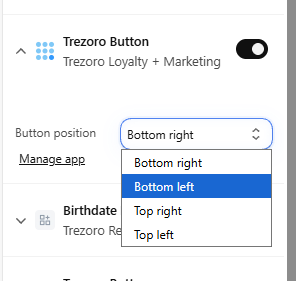
Note: You can also choose where to position the Trezoro button under the App Embeds settings


Under your Installed Apps, look for the Trezoro app and click on it - this should direct you to the Trezoro dashboard.
Once you're in the Trezoro dashboard, you may now create your rewards program! There are 9 highly customizable reward types to choose from.
Once you've set up your rewards program(s), your customers may already start earning points from their purchases at your online store. The customers may create their own accounts so they can see how many points they have, and which rewards are available to redeem.