OPTION 1:
At check out ask them if they are part of your rewards program, if they are look them up, if not you can sign them up there and then! After the sale has been closed out they will receive an email summary or SMS with their points balance and available rewards!
Open the Trezoro app at Check-out

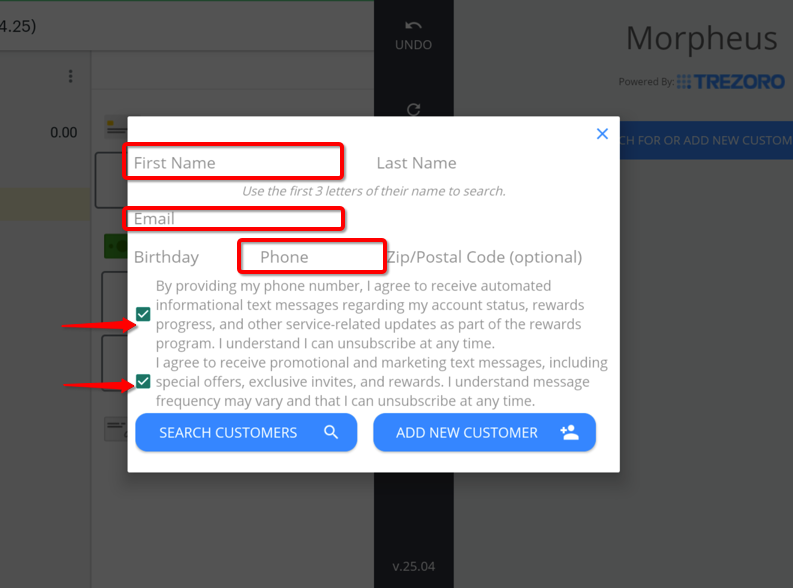
Look up or add new customers
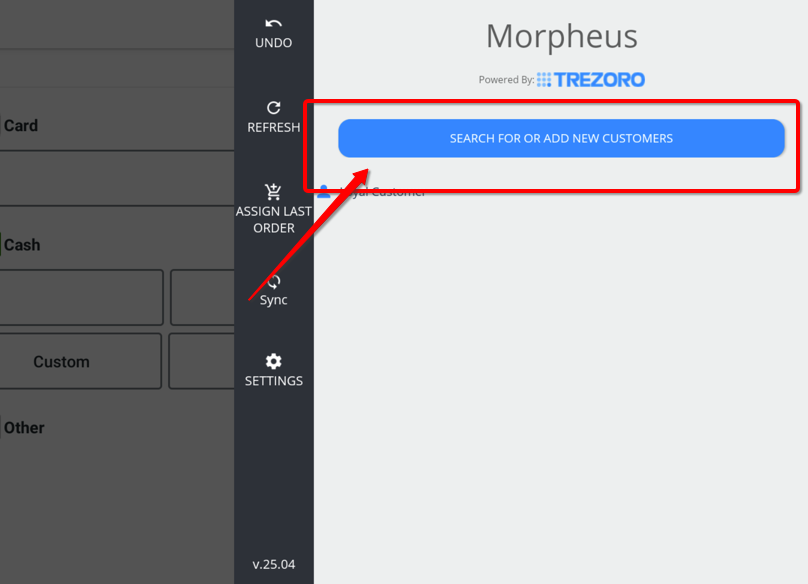
Mandatory fields are FIRST NAME and either an EMAIL ADDRESS or PHONE NUMBER. (other fields are optional)
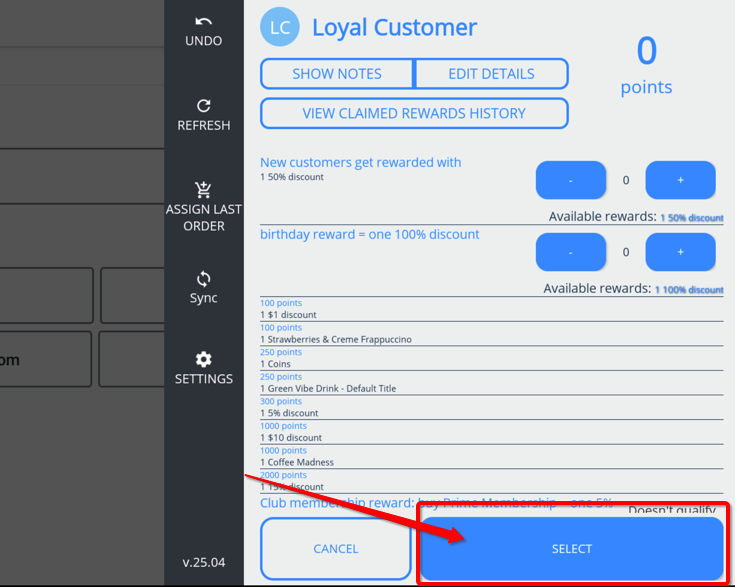
Hit the SELECT button.
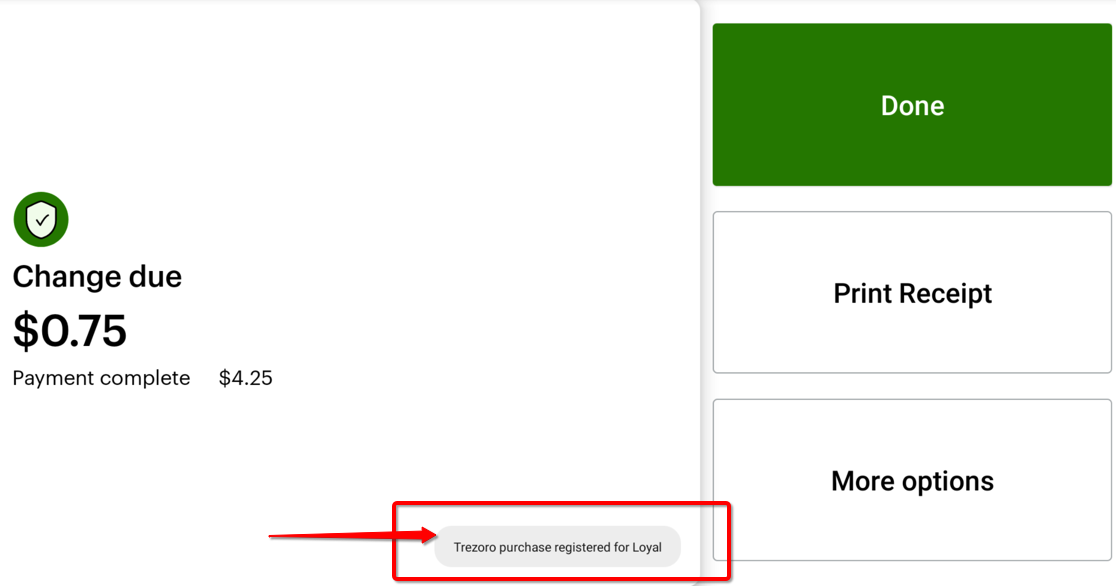
Closeout the sale.

Pop up message will say the transaction is registered to the customer.
OPTION 2:
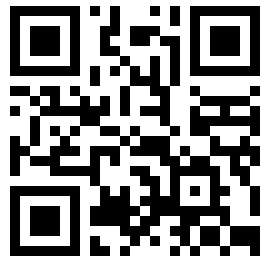
We also offer a mobile app that you can set your business up in and your customers can check in using that too (Email and Facebook logins available). Print the QR code below so that your customers can participate in your rewards program.
Check this guide on how to use the mobile app. (https://help.trezoroloyalty.com/account-management/customers-check-in-or-see-their-points)